שלב 1: צלמו את הסרטון שלכם
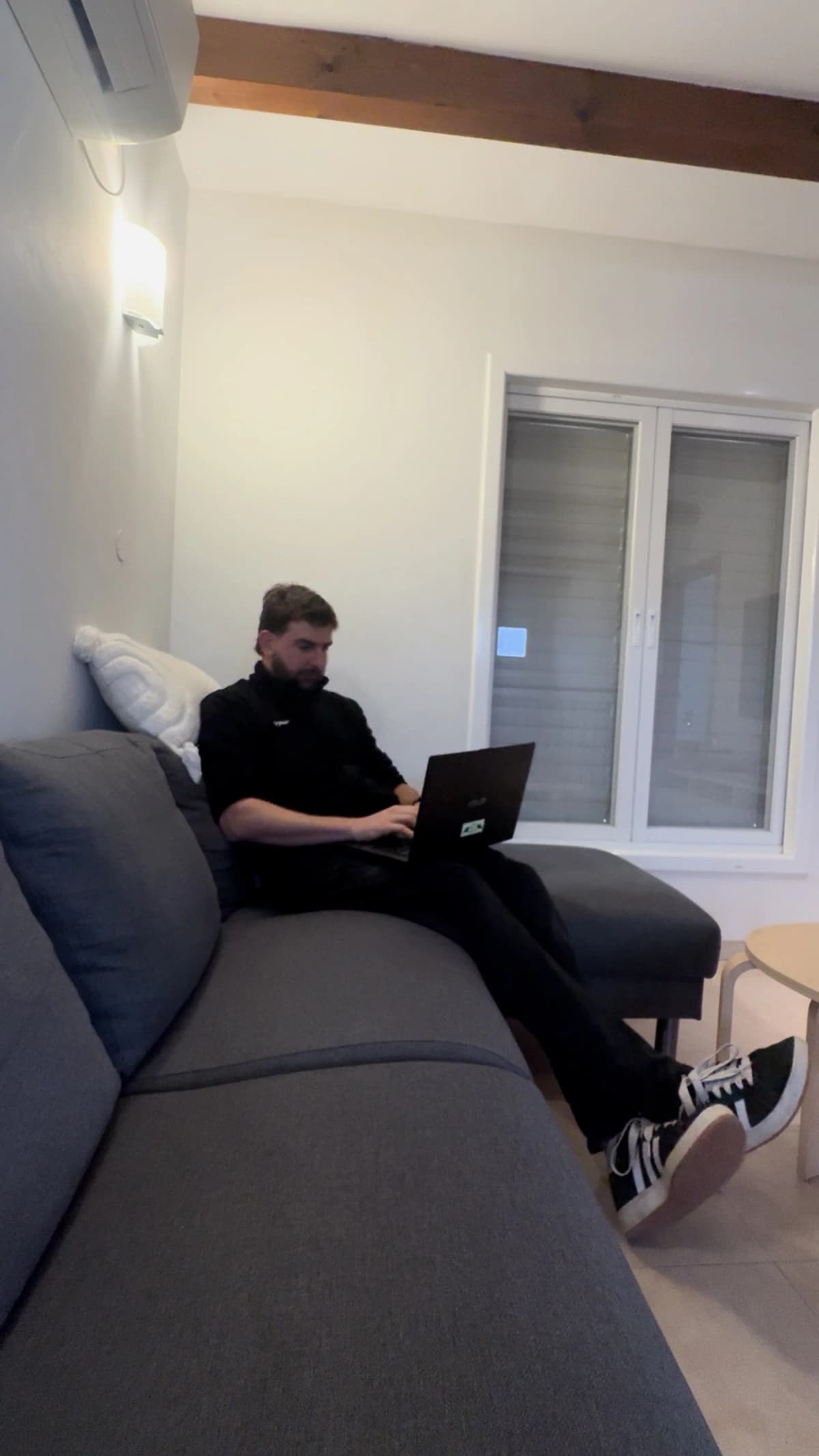
צלמו סרטון רגיל — לא צריך תאורה מיוחדת, לא ציוד, ולא סטודיו. אחרי הצילום, תיקחו צילום מסך מהפריים שאתם הכי אוהבים. זה הפריים שישמש כבסיס לשינוי התאורה.
שלב 2: בחרו תאורה שאהבתם
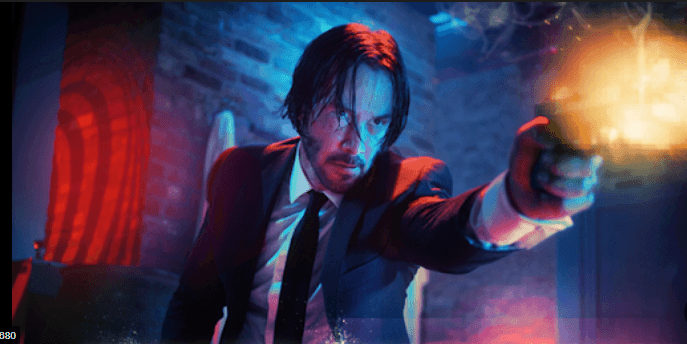
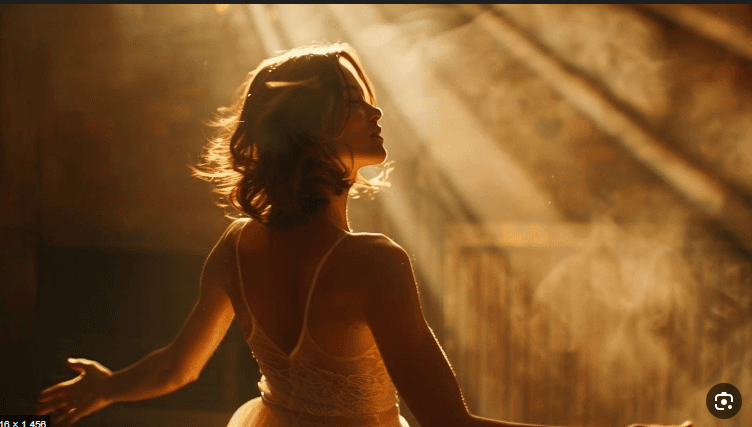
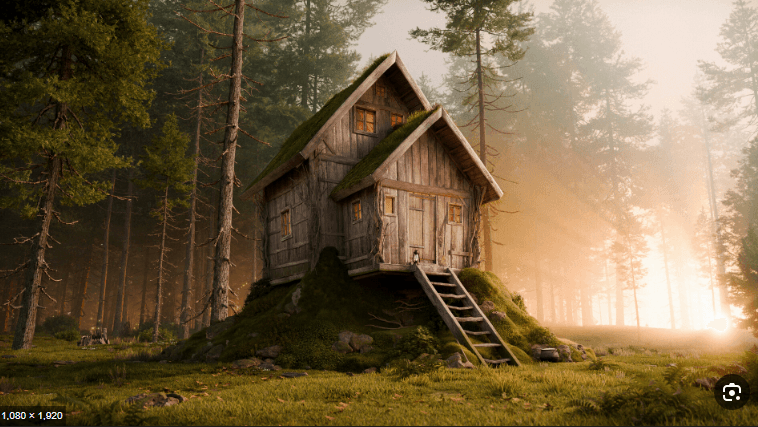
מצאו תמונה עם תאורה קולנועית שאהבתם — מסרט, מתמונה ברשת, מכל מקום שתרצו. הAI ינתח את התאורה ויעביר אותה לצילום שלכם. הנה כמה דוגמאות לסוגי תאורה:
שלב 3: Gemini + Nano Banana Pro
היכנסו ל-Gemini עם Nano Banana Pro, העלו את צילום המסך שלכם כתמונה ראשונה ואת תמונת התאורה כתמונה שנייה, ואז השתמשו בפרומפט הזה:
📋 לחץ לצפייה בפרומפט המלא
Use the first uploaded image as the base photo and the second uploaded image as the lighting reference.
Analyze the lighting conditions in the reference image and realistically recreate the same lighting on the base photo. Do NOT change the person in the base image and strictly preserve identity, face, body, pose, expression, clothing, camera angle, framing, and background geometry. Do NOT change the environment or any objects. Only the lighting may be modified. Carefully anglyze the reference image to determine light direction, number of light sources, hardness or softness of light, contrast level, color temperature balance, intensity ratios, shadow depth, highlight behavior, and overall exposure.
Recreate these lighting characteristics on the base image so that it appears as if both images were photographed in the same lighting conditions. Match the placement and behavior of highlights and shadows according to the reference, including shadow falloff, contrast distribution, and relative brightness levels. Match the color relationship between warm and cool areas, as well as any ambient or atmospheric light effects present in the reference image. Do NOT beautify, do NOT add studio lighting, do NOT introduce new light sources, do NOT flatten the face, and do NOT stylize. The lighting must remain physically realistic and consistent with real-world photography. The goal is a precise, photorealistic lighting transfer from the reference image to the base image, with no artistic
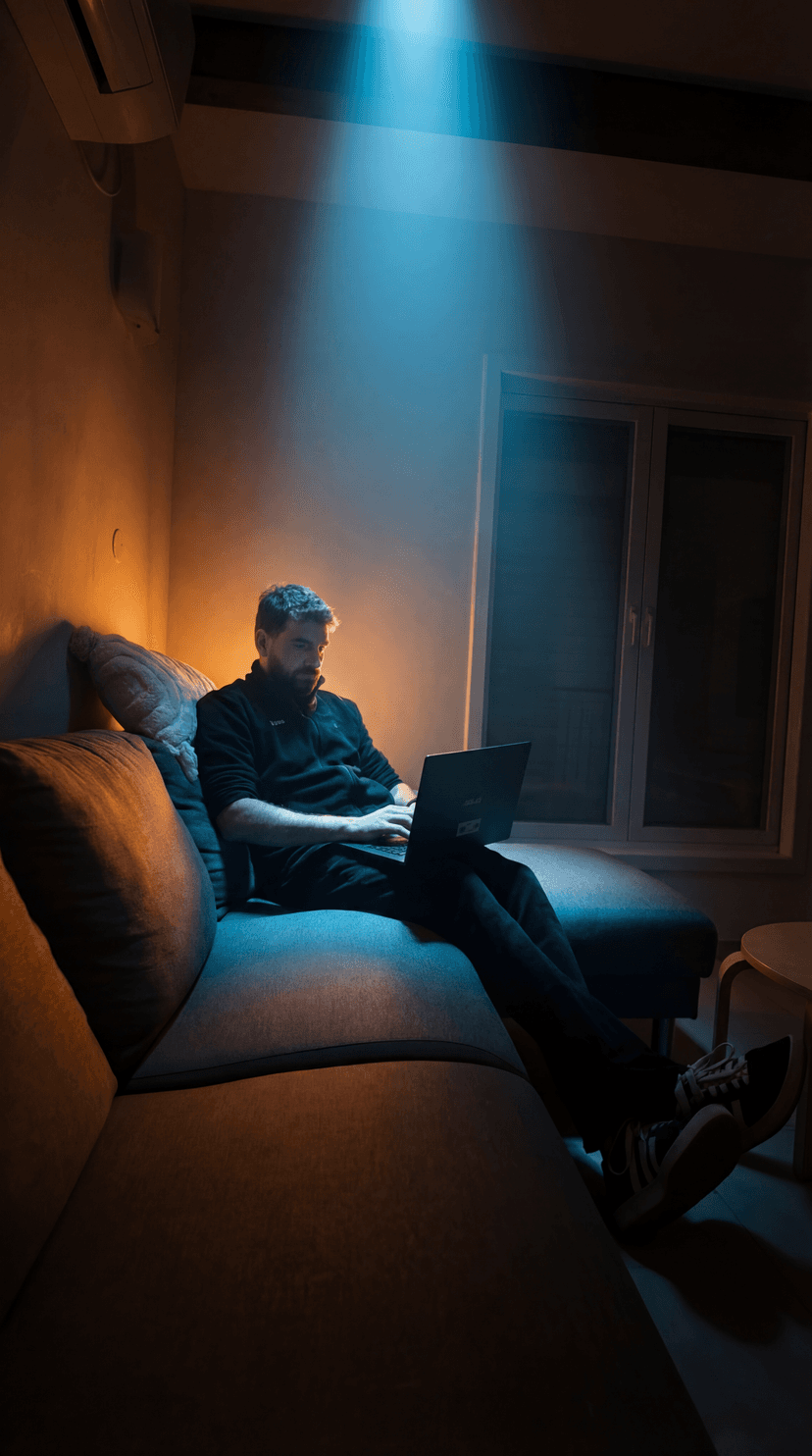
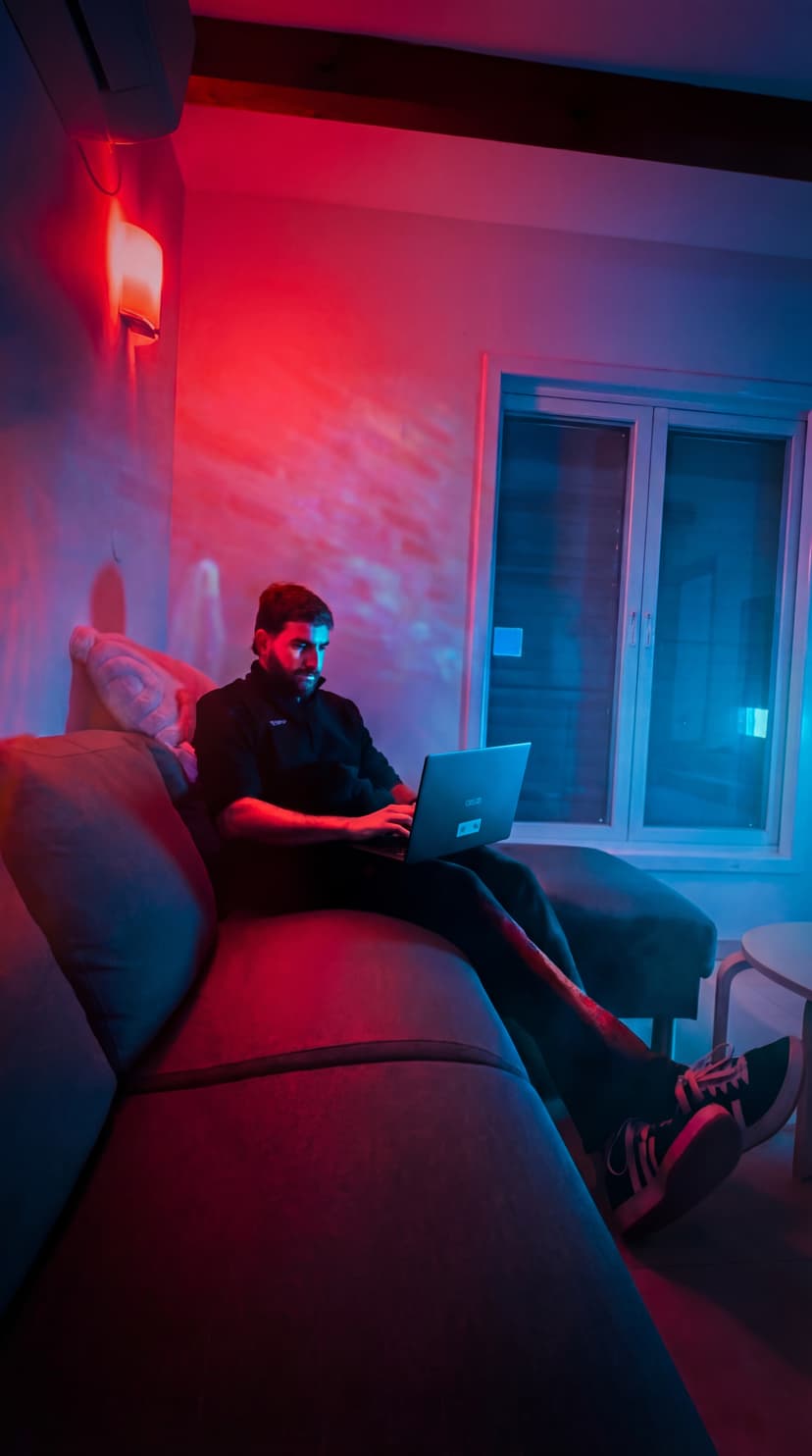
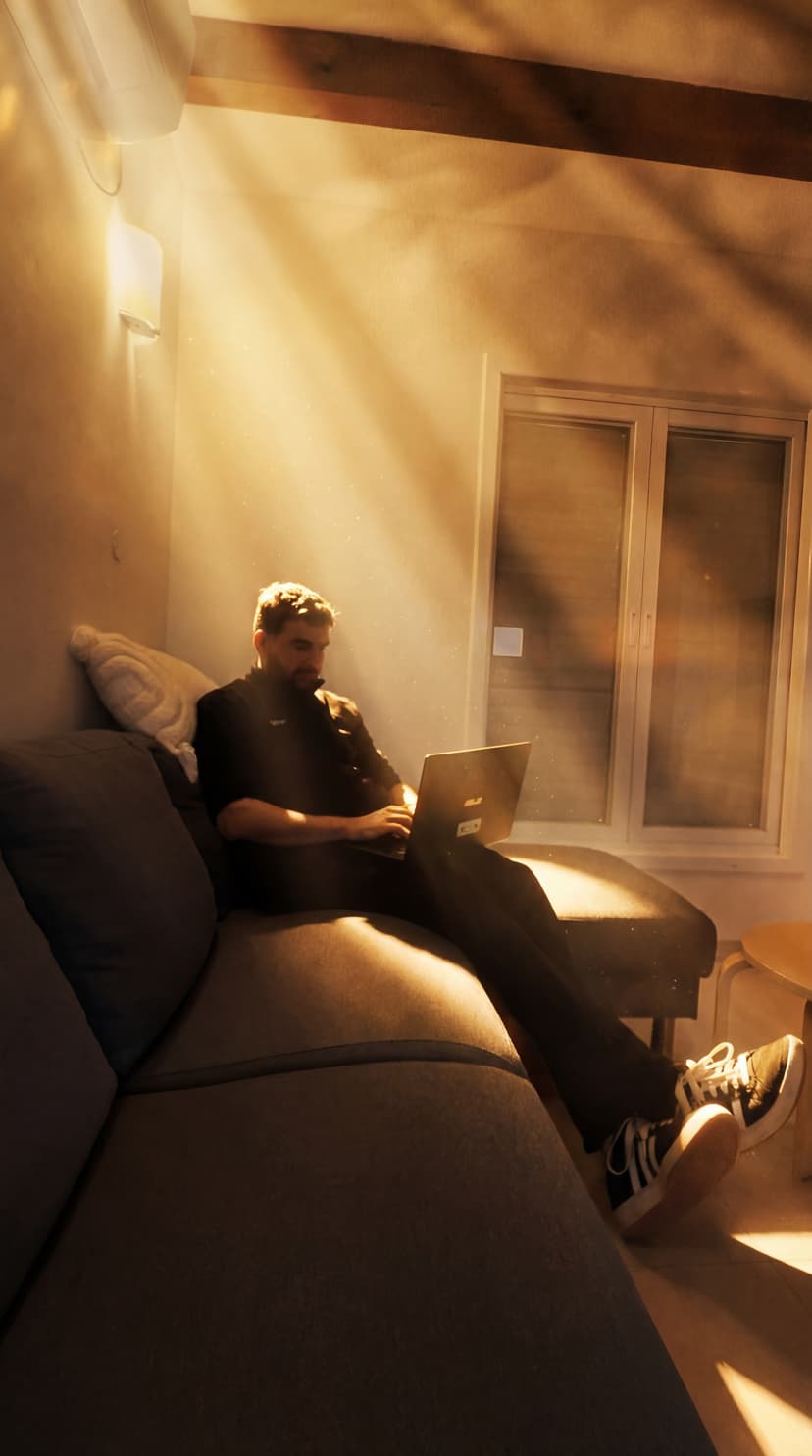
תקבלו את הצילום שלכם עם התאורה הקולנועית — הנה כמה תוצאות:
שלב 4: Kling Motion — הופכים תמונה לסרטון
היכנסו ל-Kling Motion, העלו את הסרטון המקורי ואת תמונת התאורה החדשה שיצרתם. ללא פרומפט — פשוט תנו ל-AI לעשות את העבודה.
התוצאה: הסרטון שלכם עם תאורה קולנועית מושלמת, כאילו יצא מהפקה מקצועית.
התוצאה
סרטון שנראה כאילו הופק עם תקציב של אולפן — בלי לצאת מהבית ובלי שום ציוד.
💡 המסר המרכזי
התאורה היא ההבדל בין תוכן רגיל לתוכן ויראלי.
עכשיו יש לכם את הכלים להפוך כל צילום פשוט לרגע קולנועי — בכמה רגעים בלבד.